
Catalogue Designing in Sialkot — From Rs 250 Per Page
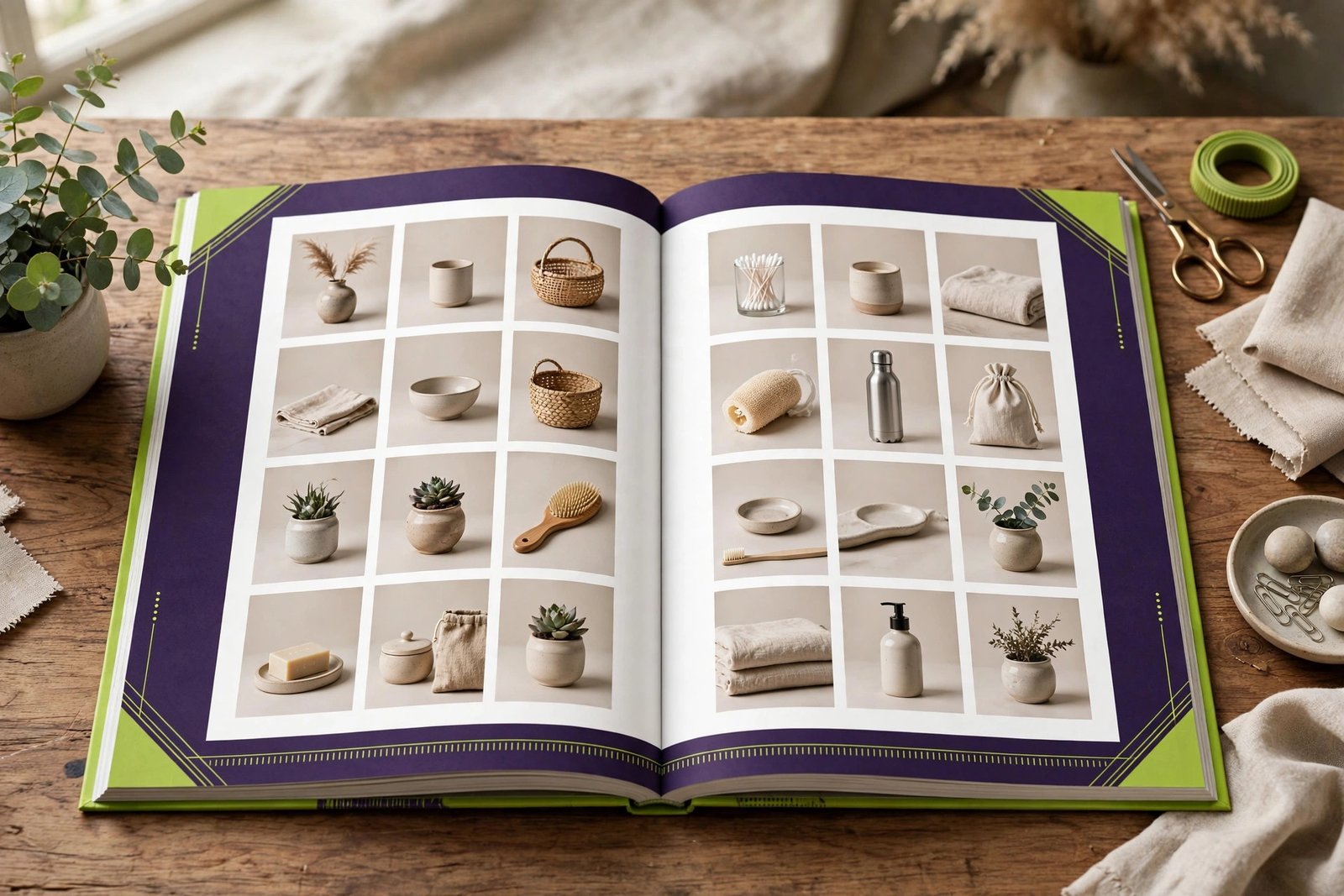
If you make or sell products in Sialkot, a catalogue is one of the most useful tools you can own. It shows your full product range in one place, with clear photos, prices, and details. Buyers can flip through it, share it on WhatsApp, or keep a printed copy on their desk. In this complete guide, we explain what makes a catalogue work, how the design process goes, what catalogue designing costs in Sialkot, and how to use your catalogue to win more orders.
Why Every Manufacturer and Exporter Needs a Catalogue
Sialkot is full of manufacturers — sports goods, surgical instruments, leather products, gloves, and more. Most of them make excellent products but have no proper way to show them. They send random phone photos on WhatsApp and hope the buyer understands. A professional catalogue changes that completely.
A catalogue puts your products in order. Each item gets a clean photo, a product code, sizes, colors, and packing details. A buyer can look through it in minutes and pick what they want. That is much easier than scrolling through 200 mixed WhatsApp photos with no names or prices.
It also builds trust. When an international buyer receives a well-designed PDF catalogue, they see a serious company. It tells them you are organized, established, and ready for big orders. Many exporters tell us their catalogue was the thing that closed the deal — the buyer chose them over a competitor simply because their catalogue looked more professional.
A catalogue also saves enormous time. Instead of answering the same questions from every buyer — "do you have this in red?", "what sizes?", "what is the packing?" — the answers are all in the document. Your sales team spends less time on basic questions and more time closing orders.
And a catalogue works day and night. Send the digital version by email or WhatsApp, and it keeps selling for you while you sleep. Take printed copies to trade fairs and exhibitions, and buyers remember you long after the event ends. Unlike a social media post that disappears in a day, a catalogue stays on a buyer's desk for months.
Finally, a catalogue protects your pricing. When your prices are printed clearly next to each product, there is less room for confusion or haggling based on misunderstandings. Everyone works from the same page — literally.
Digital vs Print Catalogues — Which Do You Need?
Most businesses need both formats, but they serve different purposes. Understanding the difference helps you spend your budget wisely.
Digital catalogues are PDF files. They cost nothing to send, you can update them anytime, and buyers can open them on any phone or computer. They are perfect for WhatsApp marketing, email quotes, and your website's download section. A buyer in Germany can receive your full range in seconds. Digital catalogues can also include clickable links — tap a product and jump to your website, or tap a phone number to call you directly.
Print catalogues are physical booklets. They feel premium in the hand. Give one to a buyer at a meeting or a trade fair, and it sits on their desk where they see your brand every day. Print creates an impression that a PDF cannot match — the weight of the paper, the quality of the images, the care in the binding all say something about your company. Print catalogues cost more because of printing, but for important clients and exhibitions, they are worth it.
Our advice: start with a digital catalogue. It is fast to make and free to share, and it starts bringing you orders immediately. Add a printed version later for exhibitions and your most important clients. We design both from the same layout — the design is made once, and we prepare files for screen and for print separately. If you need shorter sales material alongside your catalogue, our brochure designing guide explains how brochures and catalogues work together.
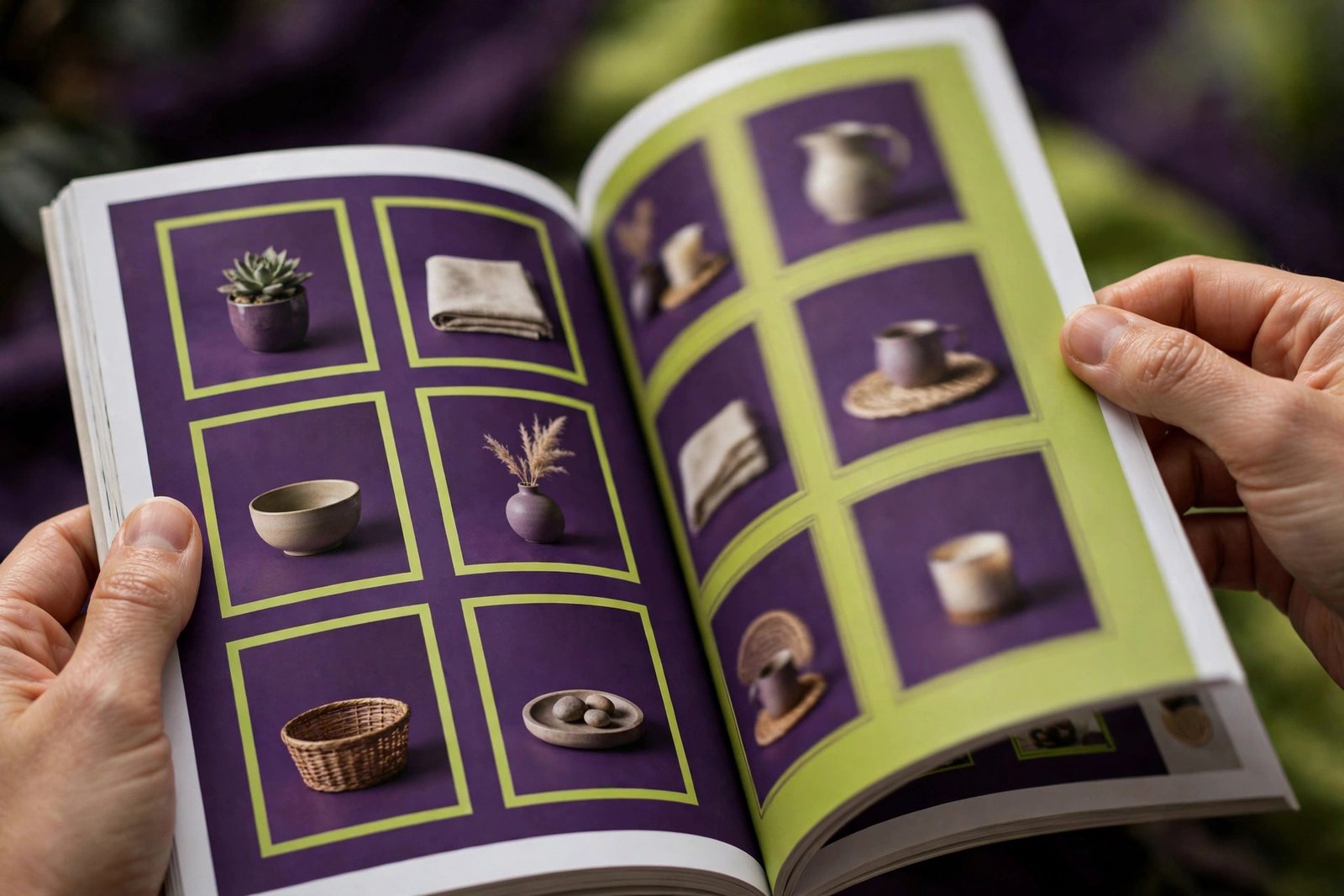
The Anatomy of a Perfect Catalogue Page
Every page of your catalogue should make buying easy. Here is what goes on a standard product page, and why each element matters.
Clear product photos. Each product gets a clean photo, shot from the best angle, on a plain background, large enough to see details. For many products, two angles help — a main view and a detail shot. Lifestyle images (the product in use) can go on feature pages, but standard product pages need clean, consistent product shots.
Product code and name. Every item needs a unique code. This is how buyers refer to exact items when ordering — "I want 500 pieces of SG-204" leaves no room for confusion. Keep codes short and logical.
Sizes, colors, and materials. The facts a buyer needs to decide. List all available options clearly. If a product comes in five sizes and three colors, say so — do not make the buyer ask.
Prices or price guidance. Some businesses print exact prices; others write "contact for price" or show price ranges. For wholesale catalogues, printed prices speed up decisions. For export catalogues where prices change with quantity, a note about volume discounts works better.
Packing details. Carton sizes, pieces per carton, and gross weight matter enormously to importers calculating shipping costs. Including this information shows you understand export business.
Minimum order quantities. State your MOQ per product or per order. This filters out buyers who are too small for your operation and saves everyone time.
Your branding. Logo, contact details, and website on every spread, so the catalogue always leads back to you — even if a buyer only keeps one page.
Beyond product pages, a complete catalogue includes a front cover, a company introduction page, a table of contents for large catalogues, section dividers for different product categories, and a back cover with full contact details. Many clients add their company profile summary at the start, so new buyers learn about the business before they see the products.
Planning Your Catalogue: Page Count and Structure
Before design starts, we plan the catalogue's structure with you. Good planning is what separates a catalogue that sells from a pile of pretty pages.
Decide the page count. A small wholesaler might need 8 to 12 pages. A manufacturer with hundreds of items might need 40, 60, or more. The rule is simple: one product per page for hero products that deserve attention, and grid layouts (4 to 8 products per page) for standard ranges. We help you plan the count so nothing important is left out and nothing is repeated.
Group products logically. Organize by category, not by when you remembered to photograph them. Footballs together, then goalkeeper gloves, then training equipment. Within categories, order by popularity — bestsellers first. Buyers should find what they want without hunting.
Plan feature pages. Your top 3 to 5 products deserve full feature pages: large photos, detailed descriptions, and benefit-focused copy. These are your star sellers — give them star treatment.
Leave room to grow. If you add products often, we can design a flexible grid system and leave a few blank-template pages, so future additions match the existing design without a full redesign.
Think about languages. For export catalogues, English is standard. If you sell heavily to specific countries, we can prepare bilingual editions — the layout stays the same, the text changes.
Product Photography: The Make-or-Break Factor
Here is an honest truth: the best catalogue design in the world cannot fix bad product photos. Photography is the single biggest factor in how professional your catalogue looks. Here is how to get it right.
Lighting matters most. Shoot near a large window or outdoors in soft shade. Harsh direct sunlight creates ugly shadows; dim indoor bulbs create yellow, grainy images. Soft, even light is the goal. You do not need a studio — a bright room and a white background go a long way.
Keep backgrounds consistent. Every product photo in your catalogue should have the same background — usually plain white or light grey. Mixed backgrounds (one product on a table, another on the floor, another held in a hand) make the catalogue look messy and amateur.
Show the true colors. Buyers order based on what they see. If your photo makes a red product look orange, you will get complaints and returns. Check photos on a proper screen, not just your phone, and make sure colors are accurate.
Clean the products. Dust, fingerprints, and scratches show up clearly in photos. Wipe down every product before shooting. This small step makes a huge difference.
Shoot more than you need. Take five angles of each product; you will use one or two. Having options during design is much better than discovering you need a different angle after the shoot is over.
If your photos are not good enough, we will tell you honestly before design starts. We can guide you on simple product photography, or arrange professional product photography for you. It is better to delay the catalogue by a week for good photos than to print a catalogue with bad ones.
Our Catalogue Design Process, Step by Step
We keep the process organized so your catalogue is finished on time and without stress.
Step 1 — Planning call. We discuss your products, your buyers, page count, and whether you need digital, print, or both. You tell us your deadline, and we plan backwards from it.
Step 2 — Content collection. You send us product photos, product details (codes, sizes, colors, prices, packing), your logo, and company information. We give you a simple sheet to fill in, so nothing is missed. This step usually takes the longest — not because of us, but because gathering content takes time on your side. Start early.
Step 3 — Layout design. We design the master pages first: the cover, a sample product page, and a feature page. You approve the style before we build the full catalogue. This way, any style changes happen early, when they are cheap to make.
Step 4 — Full build. We lay out all pages, place all photos, and write or polish all text. Product descriptions are written in clear, professional language — international English for export catalogues.
Step 5 — Proofing. You receive the full catalogue as a PDF proof. Check every product code, every price, every spelling. We recommend having two people check it — fresh eyes catch mistakes. We make corrections in revision rounds until everything is right.
Step 6 — Final files. You receive a small-size PDF optimized for WhatsApp and email, a high-resolution PDF for your website, and a print-ready file with proper bleeds and color settings for the printing press.
Catalogue Design Pricing — From Rs 250 Per Page
Our catalogue designing starts from Rs 250 per page. The final price depends on how many pages you need and how much work each page takes. Here is a clear breakdown of what affects the cost.
Page count. This is the biggest factor. A 12-page catalogue costs less than a 60-page one — simple math. We quote per page, so you always know exactly what you are paying for.
Page complexity. A simple product grid page (photos in a clean grid with codes and prices) takes less design time than a fully designed feature page with custom graphics, lifestyle images, and detailed copy. Most catalogues mix both: grids for standard products, feature pages for stars.
Content readiness. If your photos are clean and your product details are organized, design moves fast. If we need to clean up backgrounds, rewrite descriptions, or organize messy data, that adds work. Having your content ready is the easiest way to keep costs down.
Extras. Extras like custom illustrations, charts, maps, or bilingual text add to the price. We always quote these separately so you can choose.
To keep costs down: have your product photos and details ready before we begin, decide your page count in the planning call, and approve the master layout quickly so we can build without rework. We give you a fixed per-page quote before we start — no hidden charges, no surprises.
Remember what the catalogue earns. If it helps you win even one new wholesale buyer or one export order, it has paid for itself many times over. It is a sales tool you will use daily for years.
Print Options and Paper Choices Explained
If you are printing your catalogue, these choices affect how it looks and feels — and what it costs.
Paper weight. The cover should be thicker than the inside pages — typically 250 to 300 GSM for the cover and 130 to 170 GSM for inside pages. Thicker paper feels premium but costs more and makes the catalogue heavier to ship.
Paper finish. Glossy paper makes product photos pop with rich color — great for sports goods and fashion. Matte paper feels premium and is easier to read under bright light — great for text-heavy catalogues. You can also mix: glossy cover, matte inside.
Binding. Saddle-stitching (staples) suits catalogues up to about 48 pages and is the most affordable. Perfect binding (glued spine, like a book) suits thicker catalogues and looks more premium. Spiral binding lets the catalogue lay flat — useful for price lists used at desks.
Size. A4 is the standard and most economical. Smaller sizes (A5) are cheaper to print and easier to carry at trade fairs. Larger sizes show products bigger but cost more. We recommend A4 for most manufacturers.
Quantity. Printing 500 copies costs much less per copy than printing 50. Plan your quantity based on real needs: trade fairs, sales team, key clients. Digital catalogues cover everyone else for free.
We prepare your print files to professional standards — proper bleeds, correct color mode, high resolution — so any good printer can produce exactly what you approved. If you need a reliable printer, ask us and we will point you in the right direction.
How to Use Your Catalogue to Get More Orders
A catalogue only works if buyers see it. Here is how to put yours to work.
WhatsApp Business. This is the number one channel for Sialkot exporters. Send the digital catalogue to every inquiry, and keep it in your WhatsApp Business catalog. When a buyer asks "what do you make?", the catalogue is your instant answer.
Email signatures and outreach. Link your catalogue in your email signature and attach it to quotes. When reaching out to new buyers, a catalogue link in the first email dramatically increases reply rates compared to plain text.
Your website. Add a prominent "Download Catalogue" button on your homepage. Many buyers will download it before they ever contact you — it pre-sells your range.
Trade fairs and exhibitions. Bring printed copies for serious conversations and offer the digital version to everyone else via QR code. A QR code linking to your digital catalogue on your exhibition stand works day and night.
Sales team. Give every salesperson the digital catalogue on their phone and printed copies for key meetings. A consistent catalogue means every salesperson presents your range the same professional way.
Inside every shipment. Slip a printed catalogue (or a card with a QR code) into export cartons. When the buyer opens the box, they see your full range — and your next order often comes from products they did not know you made.
8 Common Catalogue Mistakes to Avoid
1. Bad product photos. The number one catalogue killer. Blurry, dark, or inconsistent photos make even great products look cheap. Invest in decent photography.
2. Missing product codes. Without codes, ordering becomes a mess of "the red one with the white stripe." Codes make business precise.
3. Outdated prices. Nothing damages trust faster than a buyer ordering at catalogue price and being told the price changed. Update prices regularly, or use "contact for latest price" if they fluctuate.
4. No contact details on every spread. Pages get shared individually — a buyer might forward just page 7 to their boss. If your contact info is only on the back cover, that page is useless. Put your details on every spread.
5. Too much text. A catalogue is not a novel. Buyers scan; they do not read paragraphs. Keep descriptions short and scannable.
6. Discontinued products still listed. Nothing wastes a buyer's time like choosing products you no longer make. Review your catalogue every six months and remove dead items.
7. No digital version. In 2026, a print-only catalogue misses most of your audience. The digital PDF costs almost nothing extra and reaches everywhere.
8. DIY design that looks amateur. A catalogue represents your entire company. If it looks homemade, buyers assume your operation is too. Professional design pays for itself.
Catalogue vs Brochure vs Company Profile: What Do You Need?
These three documents get confused often. Here is the simple difference.
A catalogue lists your products — item by item, with photos, codes, and prices. It answers "what do you sell?" Choose this when buyers need to browse your range and place orders.
A brochure sells one idea — a new product line, a special offer, your company in brief. It answers "why should I buy this?" Choose this for trade fairs, promotions, and introductions. Our brochure guide covers it in detail.
A company profile presents your business — history, factory, capabilities, certifications. It answers "who are you and can I trust you?" Choose this for tenders, new buyer onboarding, and formal introductions. See our company profile guide.
Many established businesses need all three, designed in one consistent style. A new business should start with whichever answers their most urgent question: usually the catalogue for sellers, the profile for those chasing tenders or big buyers.
Keeping Your Catalogue Updated
A catalogue is not a one-time project — it is a living document. Products change, prices move, new items launch. Here is how to keep yours current without redesigning from scratch every time.
Schedule a review every six months. Go through every page: remove discontinued products, update prices, add new items. A catalogue with dead products wastes everyone's time.
Design for updates. When we build your catalogue, we use a flexible grid system and keep all source files organized. Adding new pages later is quick and affordable because the design system already exists.
Version your digital catalogue. Put a version date or number on the cover ("2026 Edition"). This tells buyers they have the latest version and avoids confusion when old PDFs circulate.
Track what buyers ask about. If buyers keep asking for products that are buried on page 40, move them forward. Your catalogue should evolve based on real buyer behavior.
We offer affordable update packages for existing clients — adding pages, swapping products, and refreshing prices costs far less than a full redesign because the foundation is already built.
Catalogue Design for Different Industries
Different industries need different catalogue approaches. A catalogue that works for footballs will not work for surgical instruments. Here is how we adapt the design for Sialkot's main industries.
Sports goods. Sports catalogues need energy. Action shots of products in use, bold category dividers, and vibrant colors work well. Sizes are critical — balls, gloves, and apparel all come in size ranges that must be crystal clear. We also include care instructions and material details, since sports buyers ask about durability. For exporters, we add packing details prominently because container loading calculations start from the catalogue.
Surgical and dental instruments. Medical catalogues need precision and calm. Clean white layouts, exact product photography with scale references, and detailed specifications matter more than decoration. Each instrument needs its exact measurements, material grade (such as stainless steel type), and finish. Buyers are technical professionals — they read specifications carefully. We keep the design clinical and organized, with strong category indexing so a buyer can find any instrument in seconds.
Leather goods and gloves. Leather is a tactile product, so photography must show texture and quality. Close-up detail shots of stitching and grain make a huge difference. Color accuracy is critical — a buyer ordering tan leather must receive tan leather. We design with large images and honest color reproduction as the priority.
Wholesalers and traders. Wholesale catalogues are working documents — they get used daily for ordering. Clear price columns, MOQ notes, and easy-to-scan grids matter more than beautiful feature pages. We design these for speed: a buyer should find any product and its price in under ten seconds.
Writing Product Descriptions That Sell
Most catalogues have weak descriptions — or none at all. Good descriptions help buyers choose and reduce questions. Here is the formula we use.
Start with what it is, plainly. "Professional match football, Size 5, machine-stitched." The first line should let a buyer identify the product instantly. No clever openings — clarity first.
Lead with benefits, then features. After identifying the product, say why it is good: "Built for daily training with reinforced stitching that extends ball life." Then list the facts: material, weight, sizes, colors. Benefits convince; features inform. You need both.
Keep it short. Two to four lines per product is enough for most catalogue items. Hero products on feature pages can have a short paragraph. If a description needs more than that, the product probably belongs on its own feature page.
Use consistent terms. If you call it "cowhide leather" on page 5, do not call it "genuine leather" on page 12 for the same material. Inconsistent terms confuse buyers and make your company look disorganized. We build a terminology list for your catalogue and stick to it.
Write for your buyer, not yourself. You know your manufacturing process intimately; your buyer cares about what they receive. Translate internal terms into buyer language. Instead of "double-needle lockstitch construction," consider "double-stitched for extra strength" — unless your buyers are technical enough to prefer the precise term.
End with the action. Where relevant, note the MOQ or packing right in the description: "MOQ 500 pieces, 20 pieces per carton." This turns a description into an ordering tool.
Designing for WhatsApp: Mobile-First Catalogue Tips
Most of your buyers will first see your catalogue on a phone, inside WhatsApp. Designing with this in mind changes several decisions.
Keep the file size small. A 200MB catalogue will not download on slow connections, and buyers will give up. We compress images smartly — keeping them sharp on phone screens while keeping the total file under a size that shares easily. Our WhatsApp-optimized PDFs typically stay light enough to send in seconds.
Make text readable on small screens. Tiny 8-point text that looks fine on a desktop monitor becomes unreadable on a phone. We set catalogue body text at sizes that stay legible on mobile, and we keep product codes bold and prominent.
Design pages that work as screenshots. Buyers often screenshot a single product page and forward it to their boss or team. Every page should make sense on its own: product photo, code, price, and your contact details all visible in one screenshot.
Put a clickable WhatsApp link inside. In the PDF, your phone number can be a tap-to-chat link. A buyer reading your catalogue can start a conversation with one tap — no copying numbers. This small detail measurably increases inquiries.
Lead with your best pages. On a phone, most people will not scroll through 60 pages. Put your bestselling categories in the first third of the catalogue. The buyers who browse deeply will find the rest; the skimmers will still see your stars.
Seasonal and Trade Fair Editions
One catalogue does not have to serve every purpose forever. Smart businesses create focused editions for specific moments.
Trade fair editions. Before a big exhibition, we can produce a condensed fair edition of your catalogue — your 20 best products, your newest launches, and a special fair offer, in a slim 8 to 12 page booklet. It is cheaper to print in bulk than your full catalogue, easier for visitors to carry, and focused on what sells. After the fair, follow up with the full digital catalogue by email.
Seasonal editions. If your products have seasons — winter gloves, summer apparel, festive collections — a seasonal mini-catalogue sent at the right time beats a generic full catalogue. Buyers pay attention when the timing matches their buying cycle.
New launch inserts. When you add products between catalogue editions, a simple 2 to 4 page insert keeps buyers updated without a full redesign. We design inserts in your existing style so they feel like part of the catalogue.
Price list updates. If your prices change more often than your products, keep prices in a separate insert or a clearly marked section. Updating a 2-page price list is far cheaper than reprinting a 60-page catalogue.
These editions reuse your existing design system, so they cost a fraction of a full catalogue while keeping your marketing fresh and timely.
Here is a practical tip many Sialkot exporters use: keep a lightweight PDF version of your catalogue on your phone. When a buyer messages you on WhatsApp and asks for your products, you can send the catalogue in seconds. No waiting, no back-and-forth. Buyers notice fast replies, and a neat catalogue sent at the right moment has closed many deals for our clients.
Frequently Asked Questions
How many pages should my catalogue be?
It depends on your product range. A small wholesaler might need 8 to 12 pages. A manufacturer with hundreds of items might need 40 to 60 or more. The rule we follow: one product per page for hero products that deserve attention, and grid layouts with 4 to 8 products per page for standard ranges. During our planning call, we help you decide the right page count so nothing important is left out and nothing is repeated. It is better to have a tight 20-page catalogue that buyers actually read than a bloated 80-page one they never open.
Can you design both digital and print versions?
Yes. We design once and prepare multiple files: a small-size PDF optimized for WhatsApp and email, a high-resolution PDF for your website, and a print-ready file with proper bleeds and color settings for the printing press. You pay for the design once and get all versions.
Do I need to provide the product photos?
Ideally, yes — you know your products best and have access to them. But the photos need to be clear, well-lit, and consistent. If your photos are not good enough, we will tell you honestly before design starts and suggest options, including guidance on simple product photography or professional photography services. Good photos are the foundation of a good catalogue.
Can you write the product descriptions too?
Yes. Give us the basic details and we write clean, professional descriptions for each item. For export catalogues, we write in clear international English that foreign buyers understand easily. We keep descriptions short and scannable because catalogue buyers scan rather than read. If you already have descriptions but they are rough or inconsistent, we can polish and standardize them across the whole catalogue so every product sounds like it comes from one professional company.
How long does catalogue design take?
A 10 to 15 page catalogue usually takes 7 to 10 working days once we have all photos and details from you. Larger catalogues take longer — roughly one extra week per 20 additional pages. The biggest variable is content collection on your side, so gathering photos and details early speeds everything up. Tell us your deadline and we will plan around it. If you have a trade fair coming up, mention the date in our first call so we can schedule proofing and printing with enough buffer.
What is the difference between a catalogue and a brochure?
A catalogue lists your products item by item with photos, codes, and prices — it answers "what do you sell?" A brochure sells one specific idea, like a new product line or a special offer — it answers "why should I buy this?" Catalogues are reference documents buyers keep; brochures are promotional pieces for specific campaigns. Many businesses use both: the brochure creates interest at a trade fair, and the catalogue closes the sale afterwards.
Can you update my catalogue later when I add new products?
Yes, and we design for exactly this. We build your catalogue on a flexible grid system and keep all source files organized, so adding new pages, swapping products, or updating prices later is quick and affordable. We offer update packages for existing clients at a much lower cost than a full redesign. We recommend reviewing your catalogue every six months.
What size should my printed catalogue be?
A4 is the standard and most economical choice — it shows products at a good size and fits standard printing. A5 is cheaper to print and easier to carry at trade fairs, but products appear smaller. We recommend A4 for most manufacturers and wholesalers. Whatever size you choose, we prepare the print files to exact professional specifications.
Do you arrange catalogue printing?
We deliver print-ready files that any professional printer can use — correct bleeds, color mode, and resolution. If you need printing arranged, ask us: we work with reliable printers and can guide you on paper weight, finish (glossy vs matte), binding options, and quantities to get the best result for your budget. We can also advise on how many copies to print based on your trade fair calendar and sales team size, so you do not overprint or run out at the wrong time.
Get Your Catalogue Designed in Sialkot
A professional catalogue turns your product list into a sales tool that works on WhatsApp, email, trade fair tables, and inside every export carton. It builds trust with new buyers, saves your team time, and keeps selling long after it is sent. Whether you need a 10-page digital catalogue or a 60-page print edition, start with a proper plan and professional design. Your products deserve to be shown at their best, and your buyers deserve a catalogue that makes ordering easy.
Visit our catalogue designing service page for details, or talk to us directly. Call +92 371 4200173 or visit our contact page for a free quote — tell us your product count and we will give you an exact per-page price from Rs 250 per page.
We do this for businesses.
Get a free consultation — we'll map the fastest path for you.